Looping with @educatefran
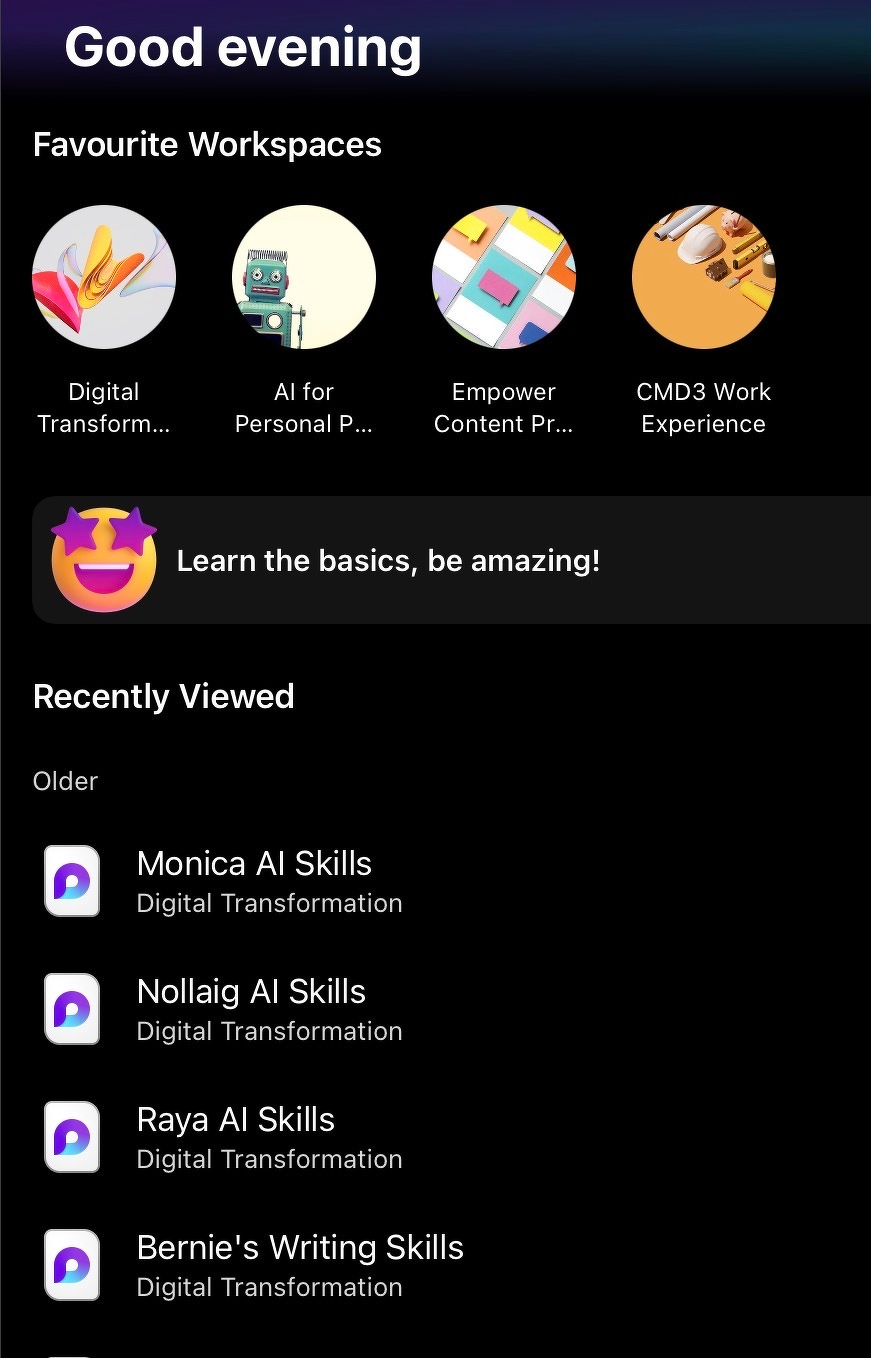
I follow @educatefran.bsky.social ’s advice on many things edtech so when she loops back to MSFT Loop I listen.
I’m starting another six week set of online workshops with the IRDG Innovation Skillnet and I want to deliver a batch of working materials to a group of 40 people who are inside MSFT365 where they have Loop installed. It could reduce a lot of pressure on the back room admin staff if I dropped 24 pieces of working material into a shared Loop space.
And if there are snags with using Loop I will point to a shared Drive or just have people download items in Zoom chat.
I’ve used Microsoft Loop workspaces before and know I can have up to 1,000 members (collaborators) connected to me. That means I can add up to 1,000 users can be added to a single workspace. Each of my online training sessions normally tops out at 50 and Loop allows up to 50 people actively editing content in real time at the same moment. However, I know from working with groups of third level students, some people often set themselves up with two or three different emails and in the past, a group of 20 students quickly morphed into a list of 45 collaborators since every email address counts as a collaborator.
If you’re thinking about Loop, you will be able to create up to 50 workspaces per day, with a total cap of 250 workspaces allowed in your account.